Loading Flow

Downloading Image /
Downloading Image /
Downloading Image /
Downloading Image /
Downloading Image /
Downloading Image /
Downloading Image /
Downloading Image /
Downloading Image /

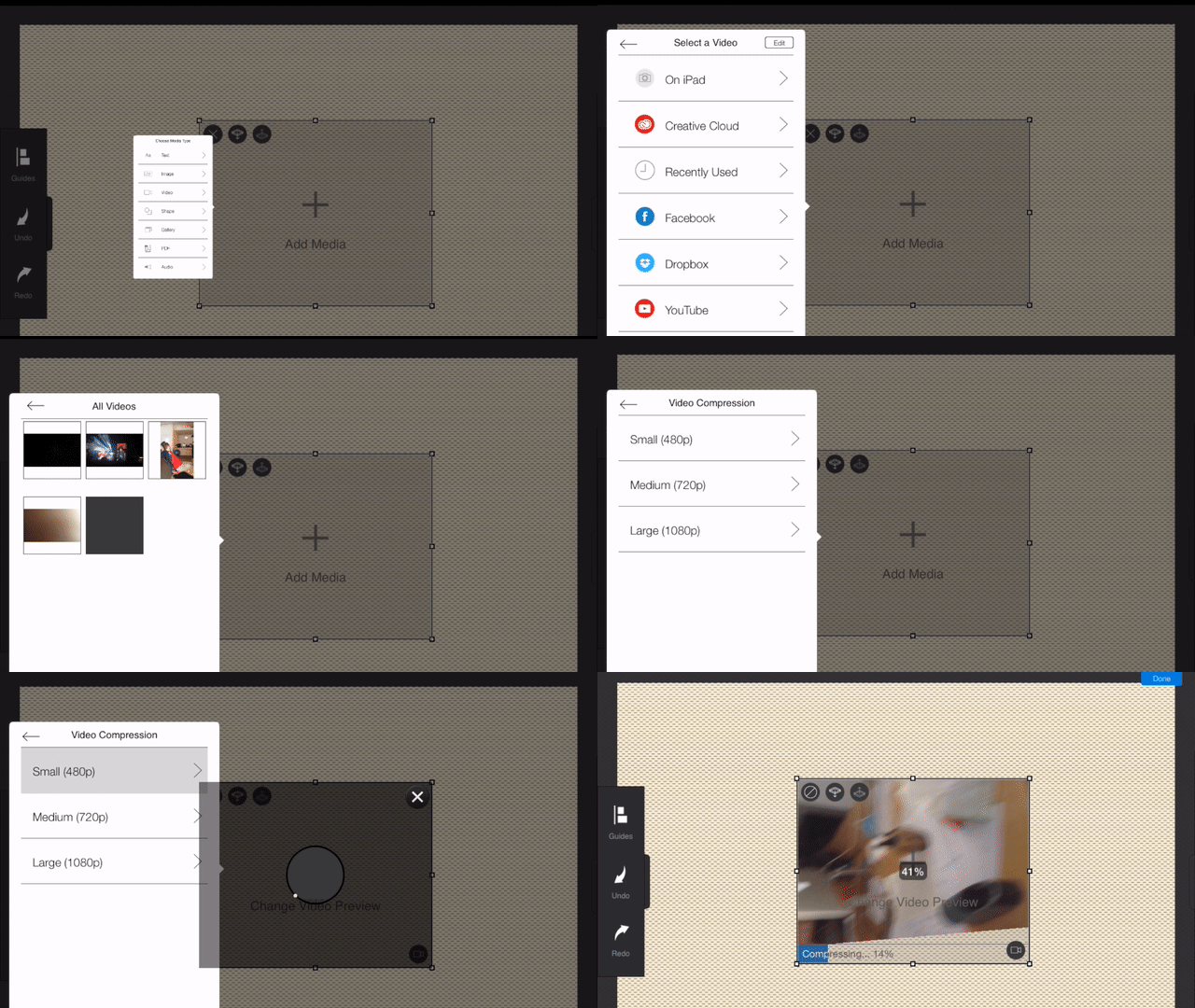
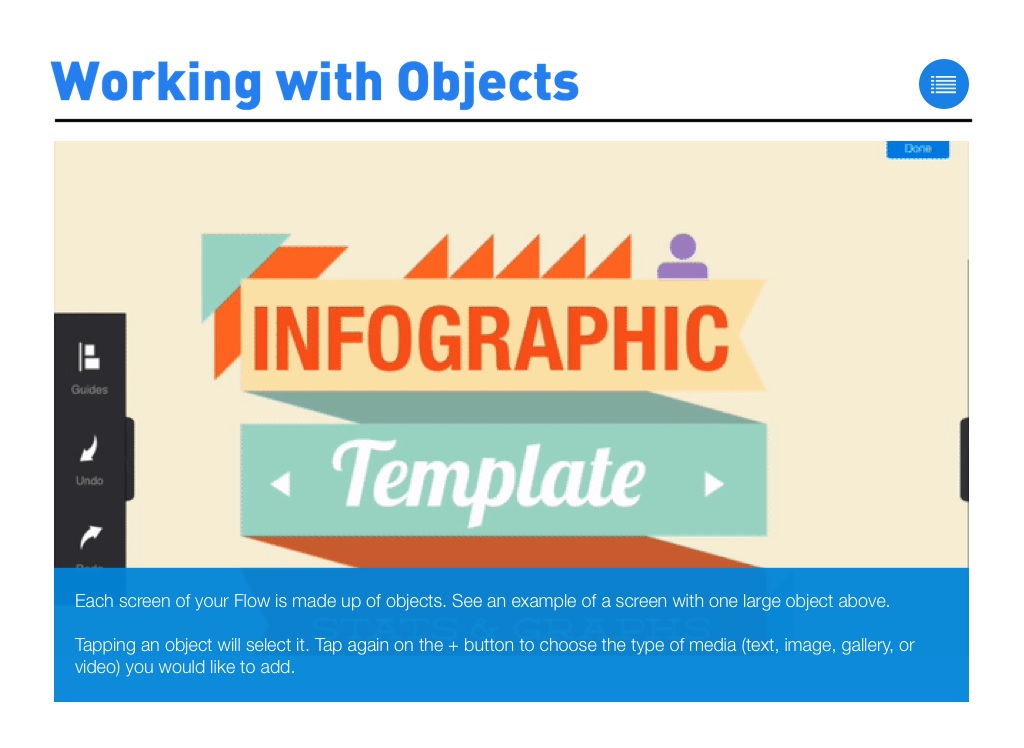
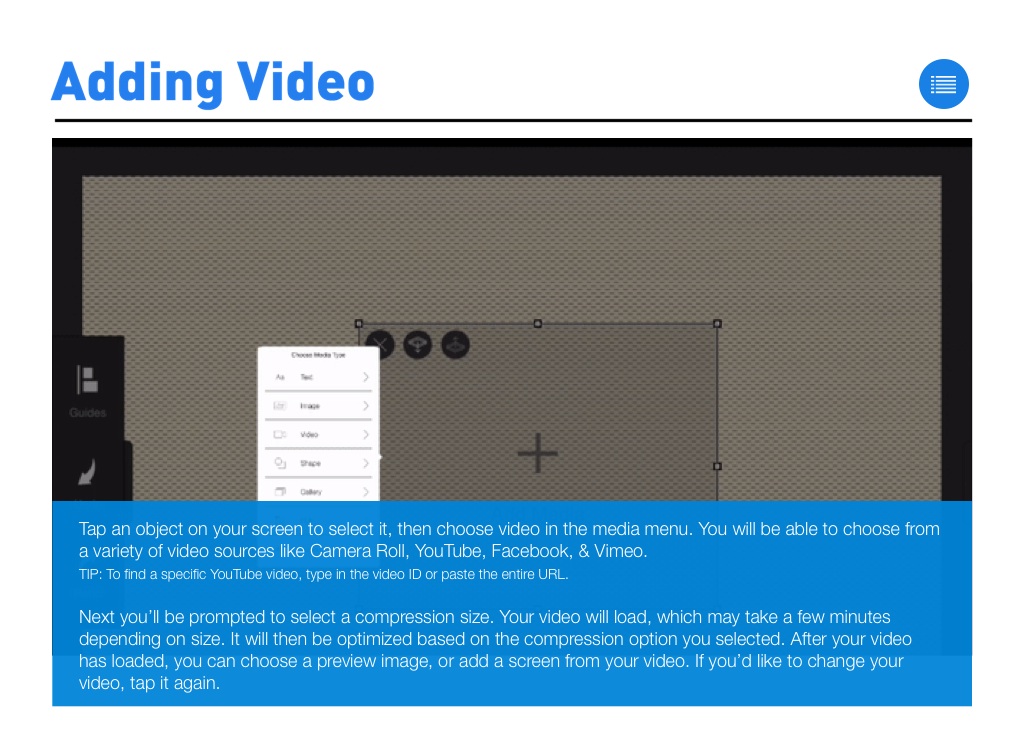
Tap an object on your screen to select it, then choose video in the media menu. You will be able to choose from a variety of video sources like Camera Roll, YouTube, Facebook, & Vimeo.
TIP: To find a specific YouTube video, type in the video ID or paste the entire URL.
Next you’ll be prompted to select a compression size. Your video will load, which may take a few minutes depending on size. It will then be optimized based on the compression option you selected. After your video has loaded, you can choose a preview image, or add a screen from your video. If you’d like to change your video, tap it again.
Downloading Image /
Downloading Image /
Downloading Image /
Downloading Image /
Downloading Image /
Downloading Image /
Downloading Image /
Downloading Image /



The FlowVella Guide for iPad
By FlowVella
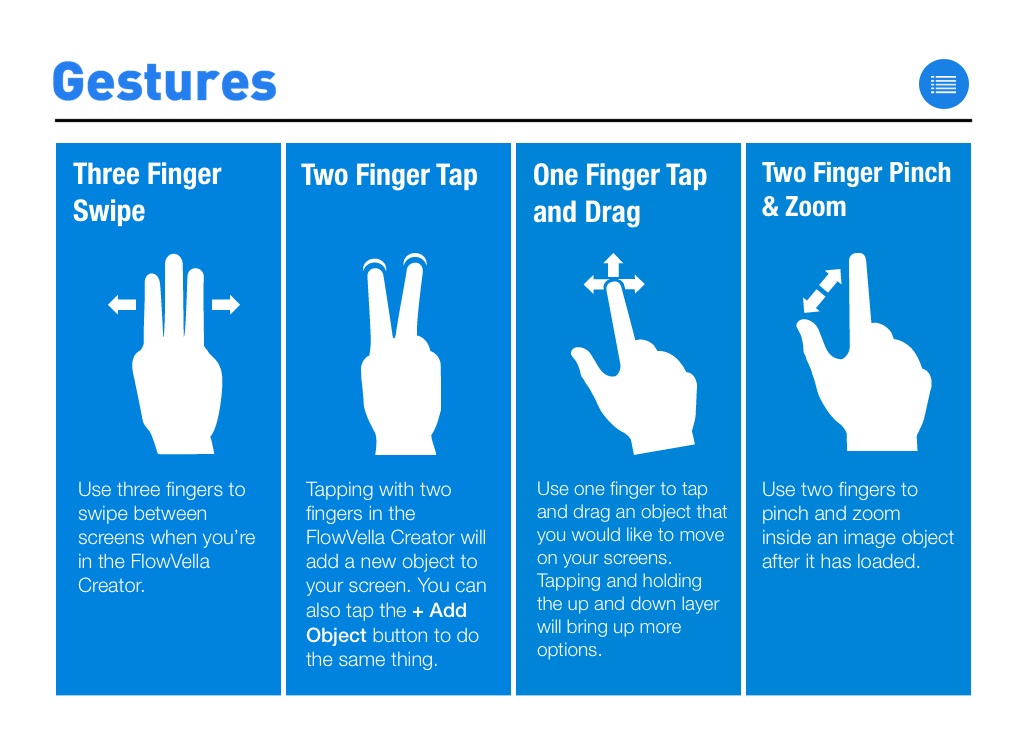
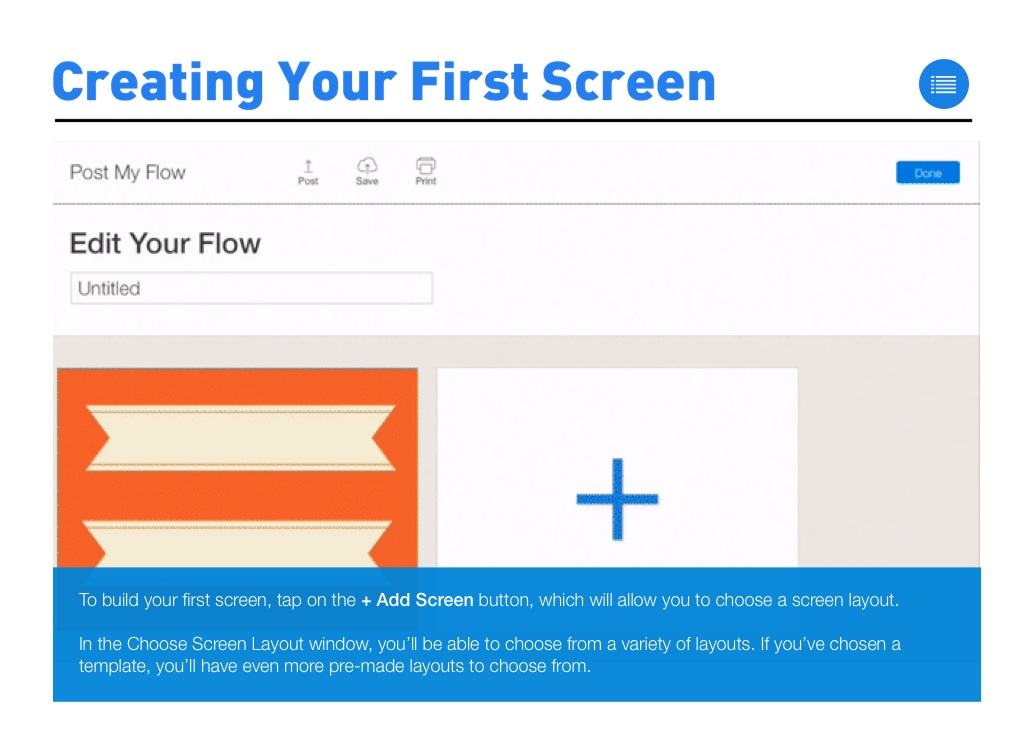
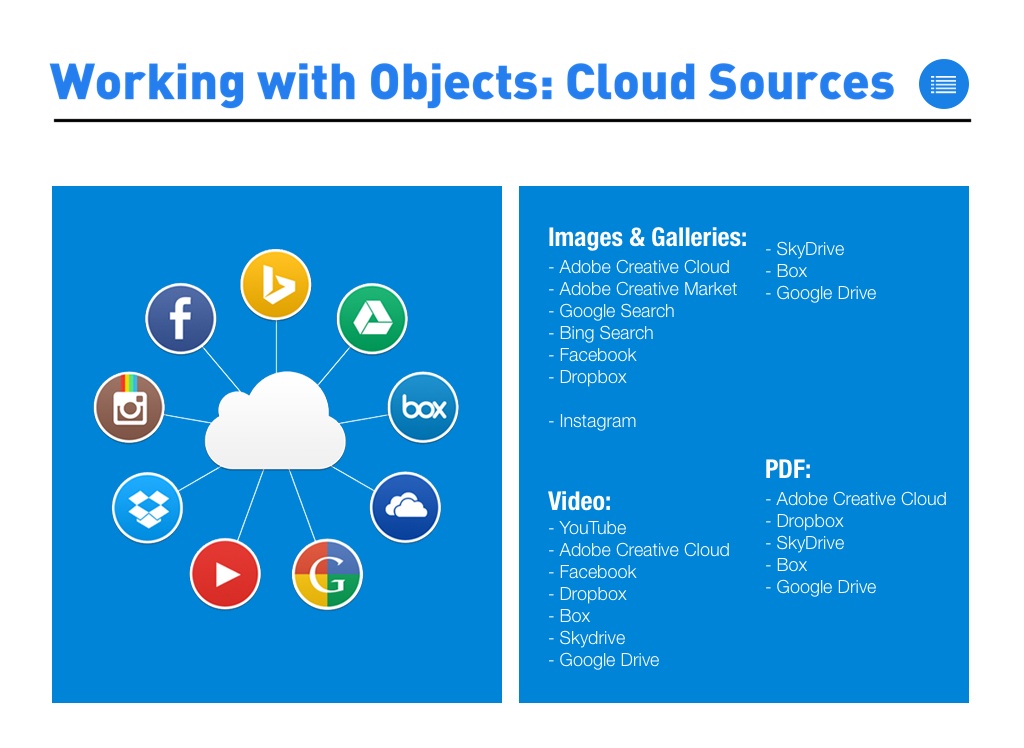
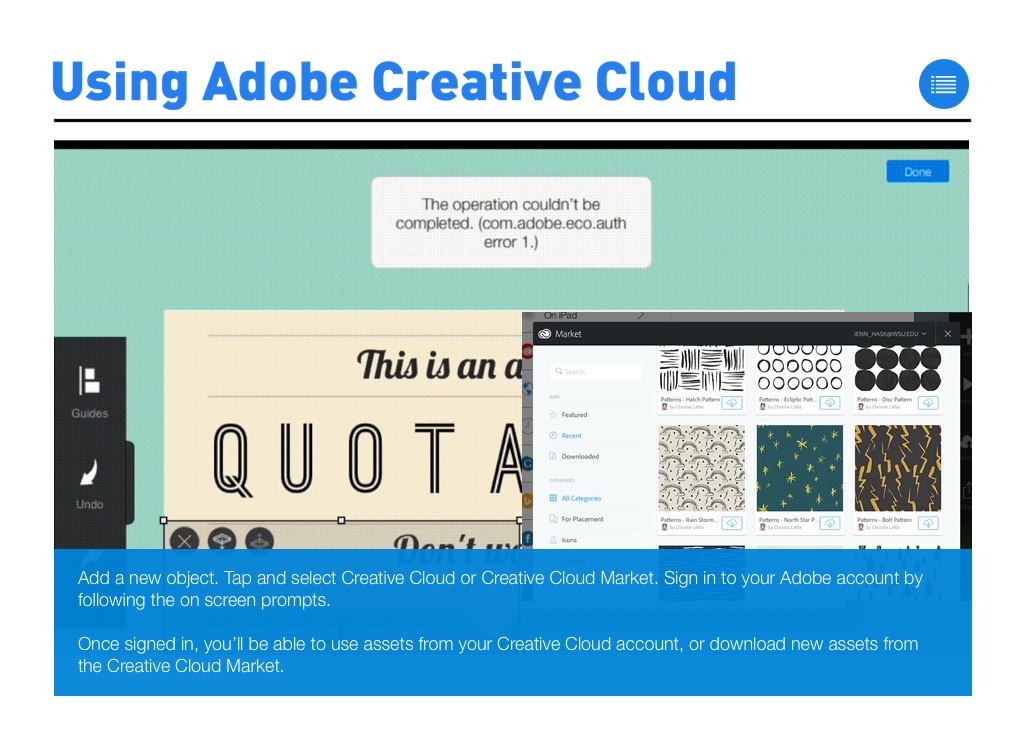
The official guide to FlowVella for iPad to help you create beautiful stories with FlowVella. This guide will walk you through how gestures are used, working with objects, how to add video, images, or galleries, and how to modify your objects and screens.