Loading Flow

Downloading Image /
Downloading Image /
Downloading Image /
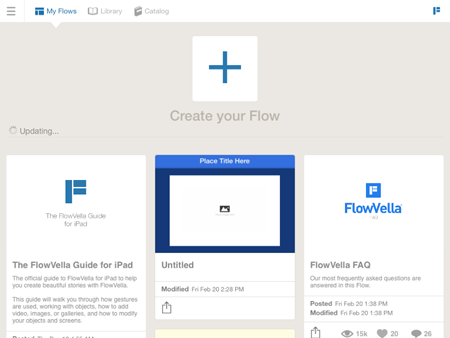

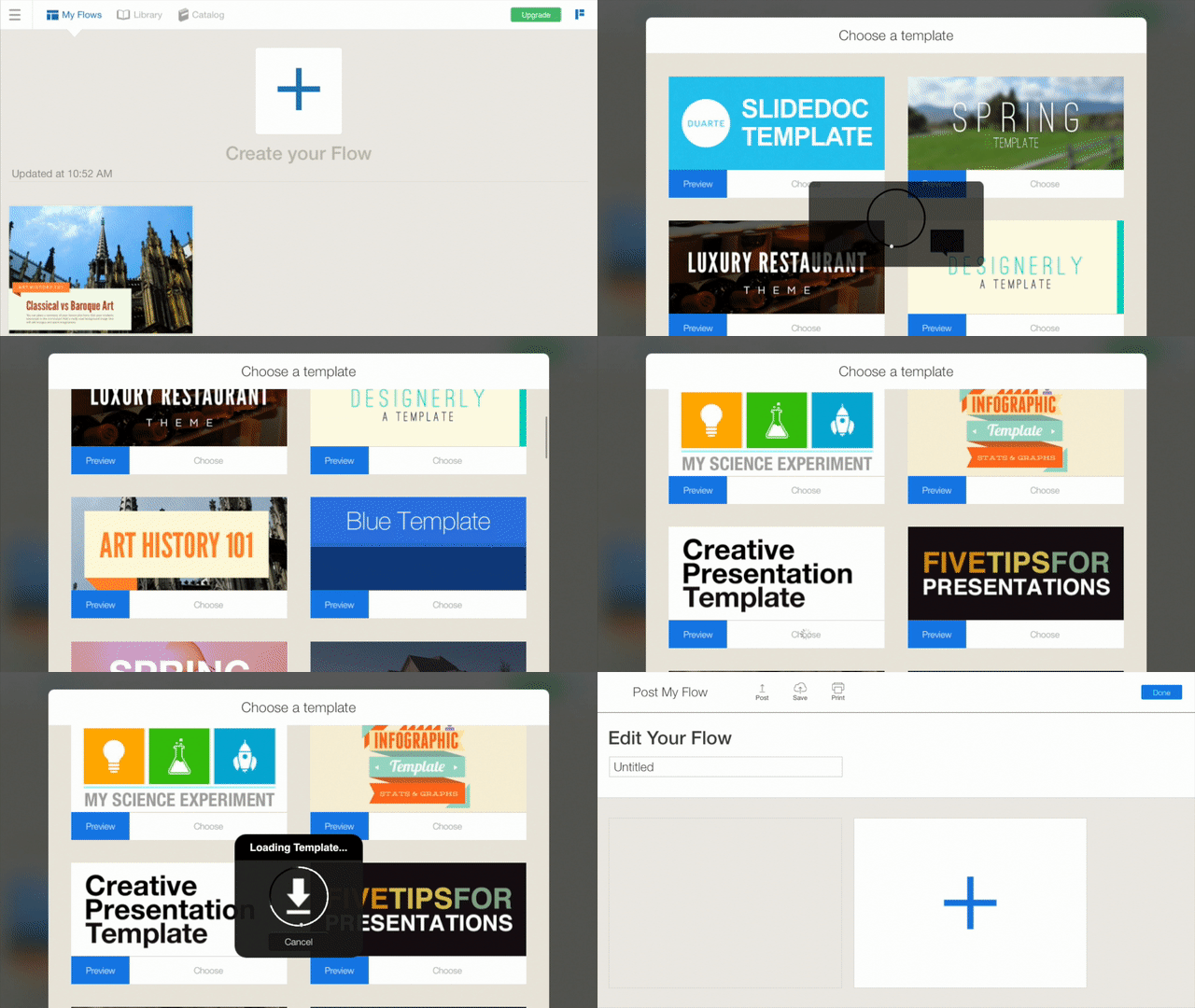
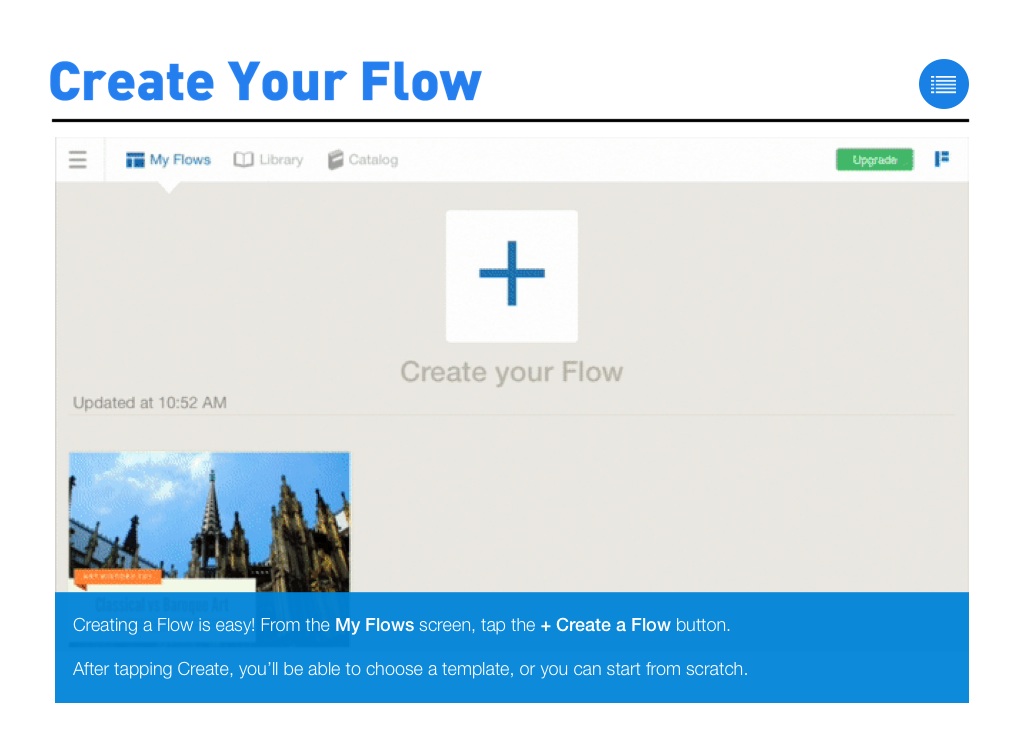
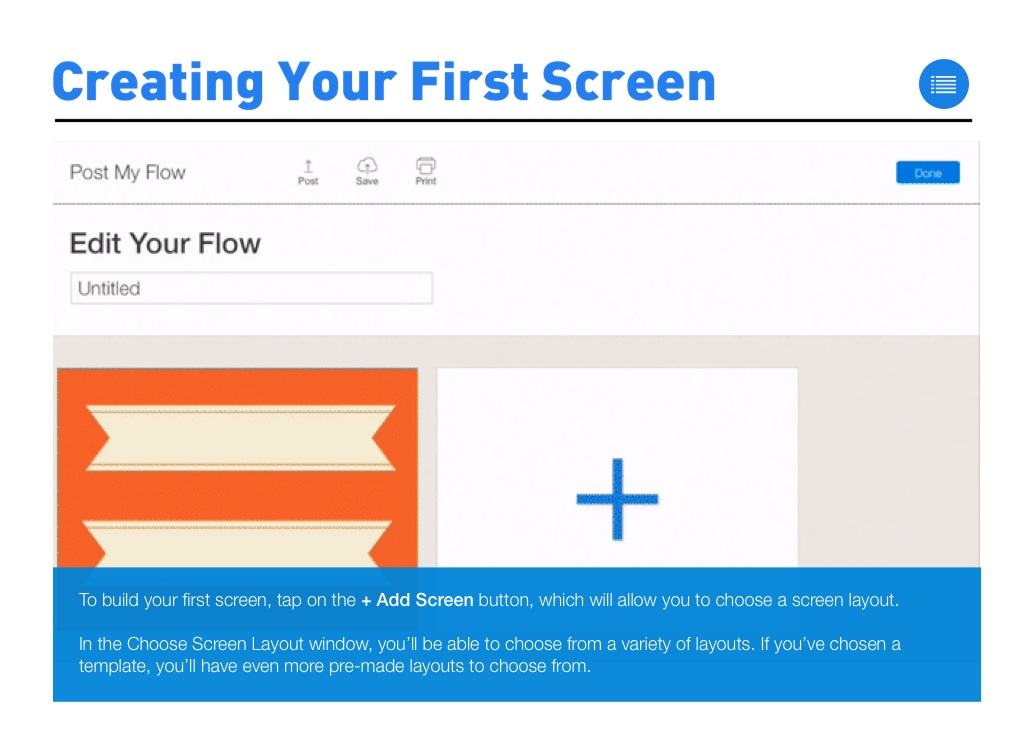
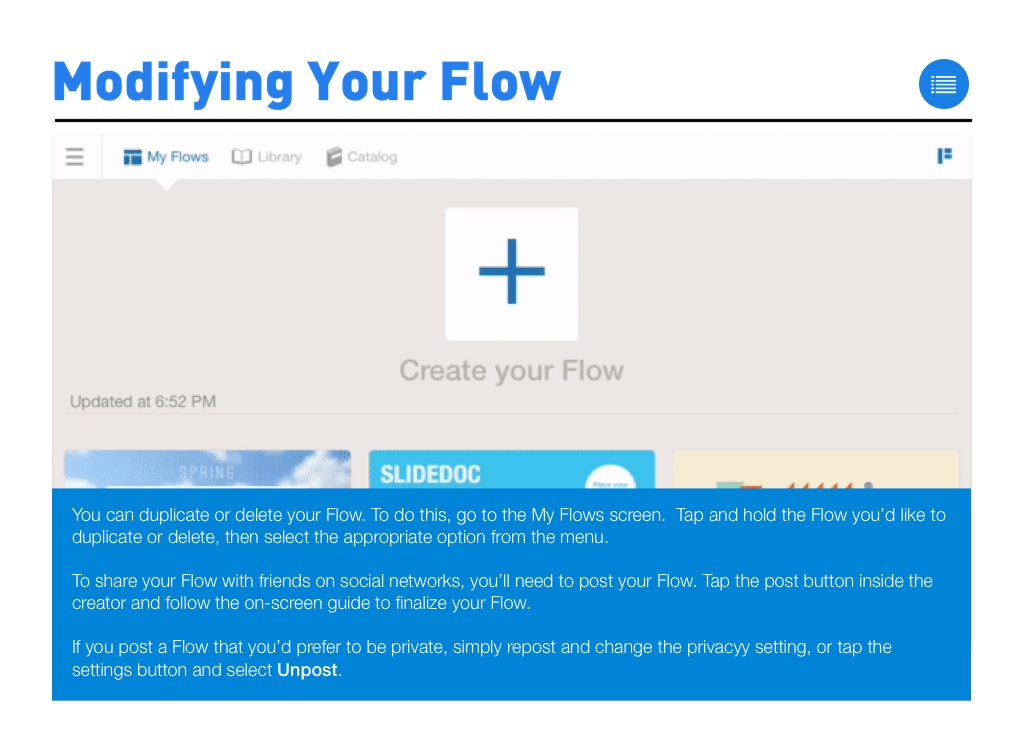
Creating a Flow is easy! From the My Flows screen, tap the + Create a Flow button.
After tapping Create, you’ll be able to choose a template, or you can start from scratch.
Downloading Image /
Downloading Image /
Downloading Image /
Downloading Image /
Downloading Image /
Downloading Image /
Downloading Image /
Downloading Image /
Downloading Image /
Downloading Image /
Downloading Image /
Downloading Image /
Downloading Image /
Downloading Image /



The FlowVella Guide for iPad
By FlowVella
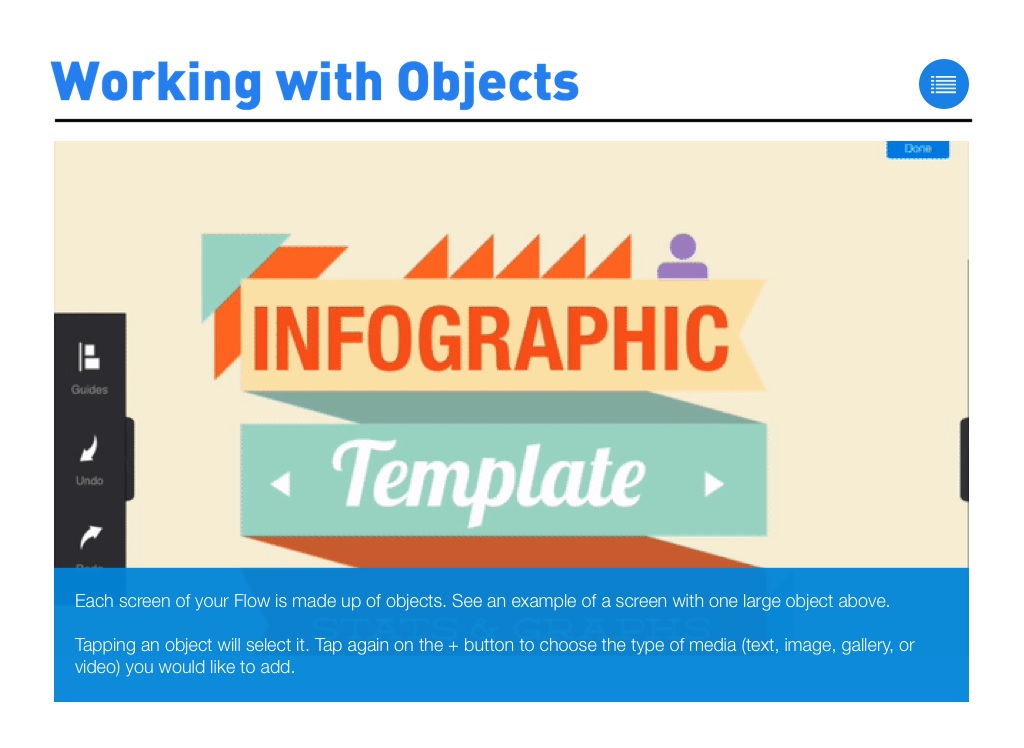
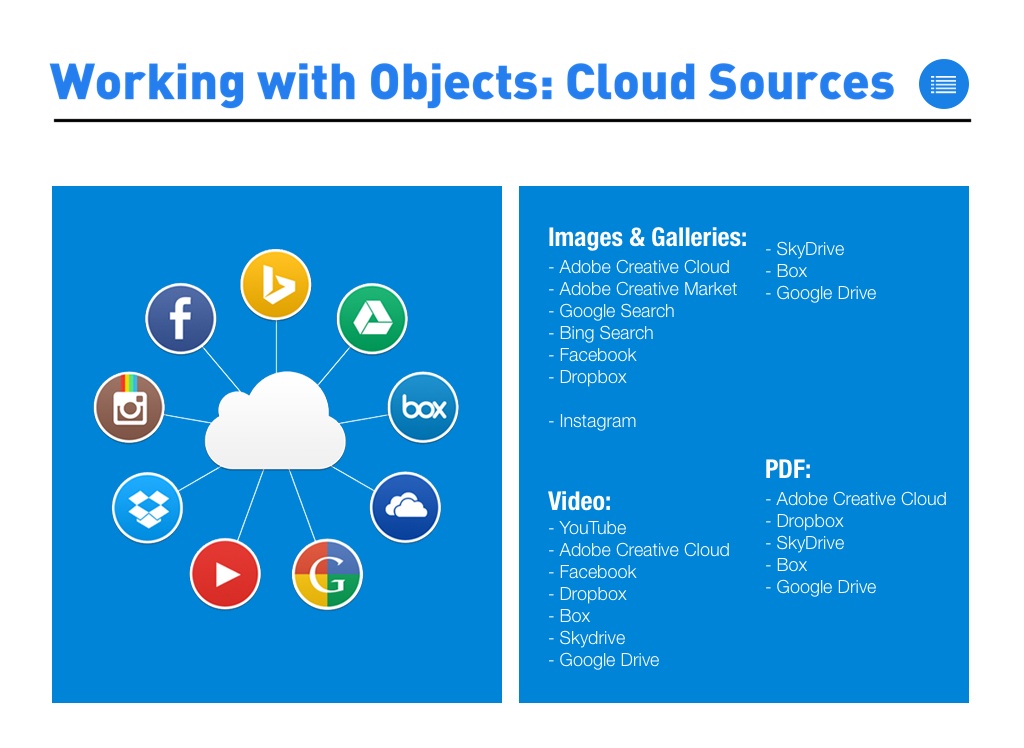
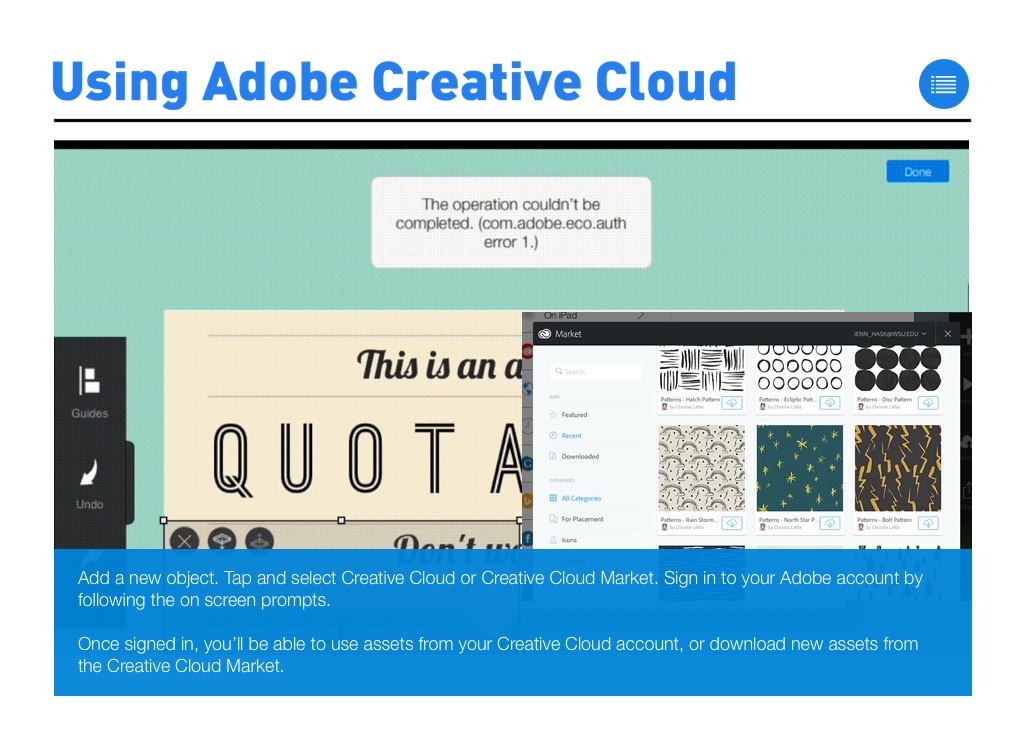
The official guide to FlowVella for iPad to help you create beautiful stories with FlowVella. This guide will walk you through how gestures are used, working with objects, how to add video, images, or galleries, and how to modify your objects and screens.