Loading Flow

Downloading Image /
Downloading Image /
Downloading Image /
Downloading Image /
Downloading Image /
Downloading Image /
Downloading Image /
Downloading Image /
Downloading Image /
Downloading Image /
Downloading Image /
Downloading Image /
Downloading Image /
Downloading Image /

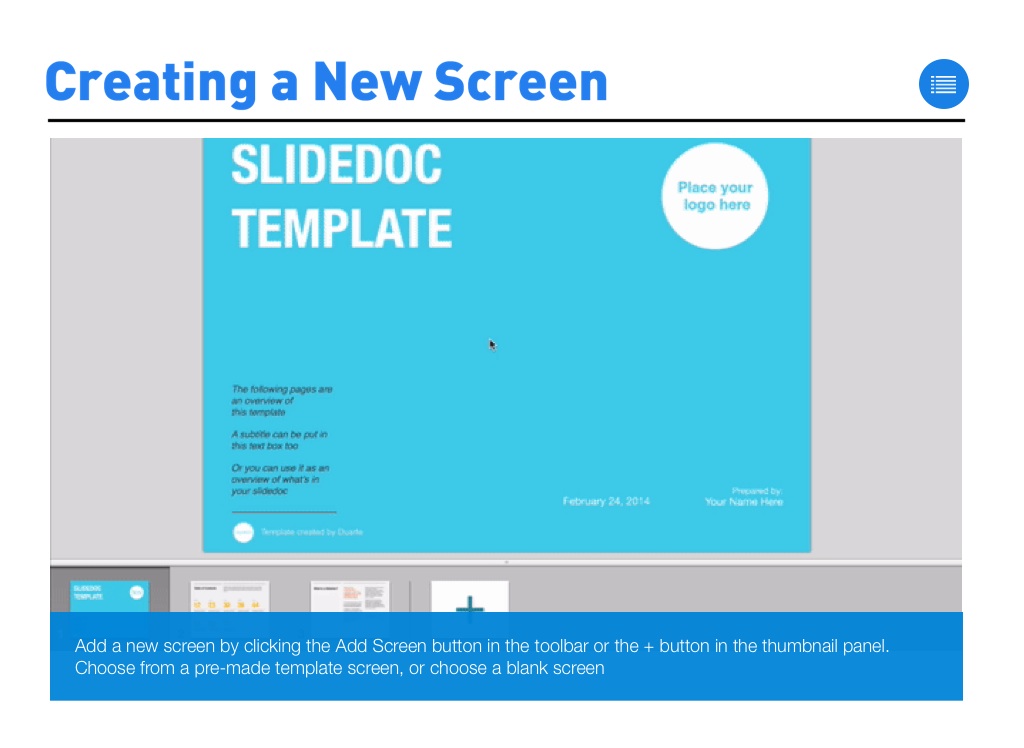
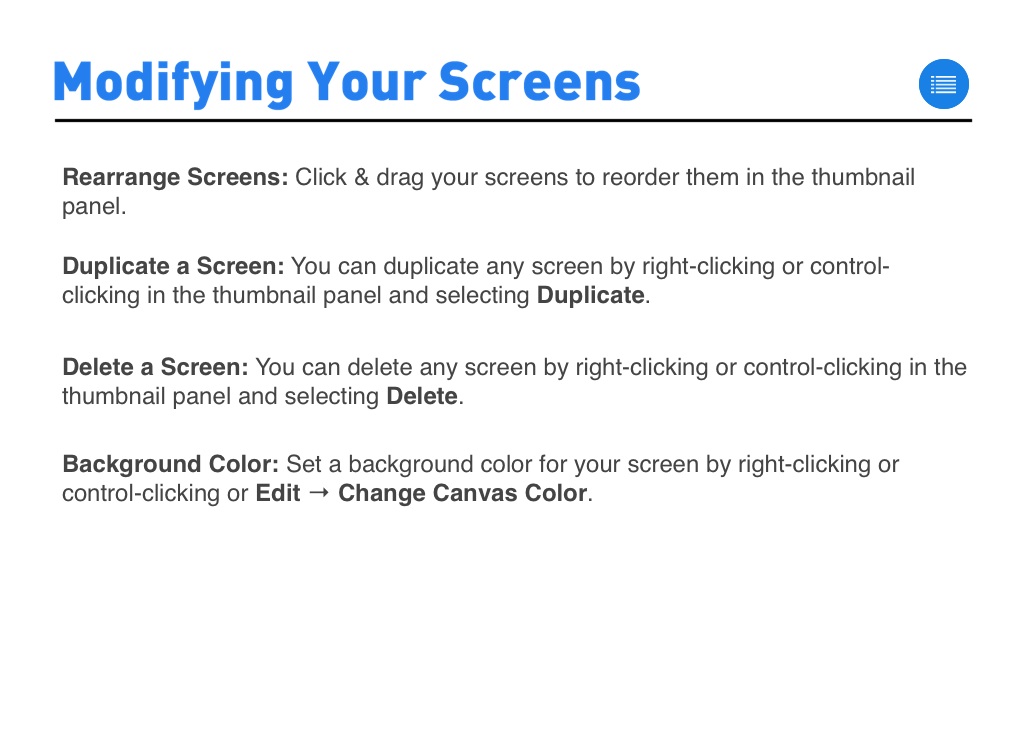
Rearrange Screens: Click & drag your screens to reorder them in the thumbnail panel.
Duplicate a Screen: You can duplicate any screen by right-clicking or control-clicking in the thumbnail panel and selecting Duplicate.
Delete a Screen: You can delete any screen by right-clicking or control-clicking in the thumbnail panel and selecting Delete.
Background Color: Set a background color for your screen by right-clicking or control-clicking or Edit → Change Canvas Color.

Downloading Image /
Downloading Image /
Downloading Image /
Downloading Image /
Downloading Image /
Downloading Image /



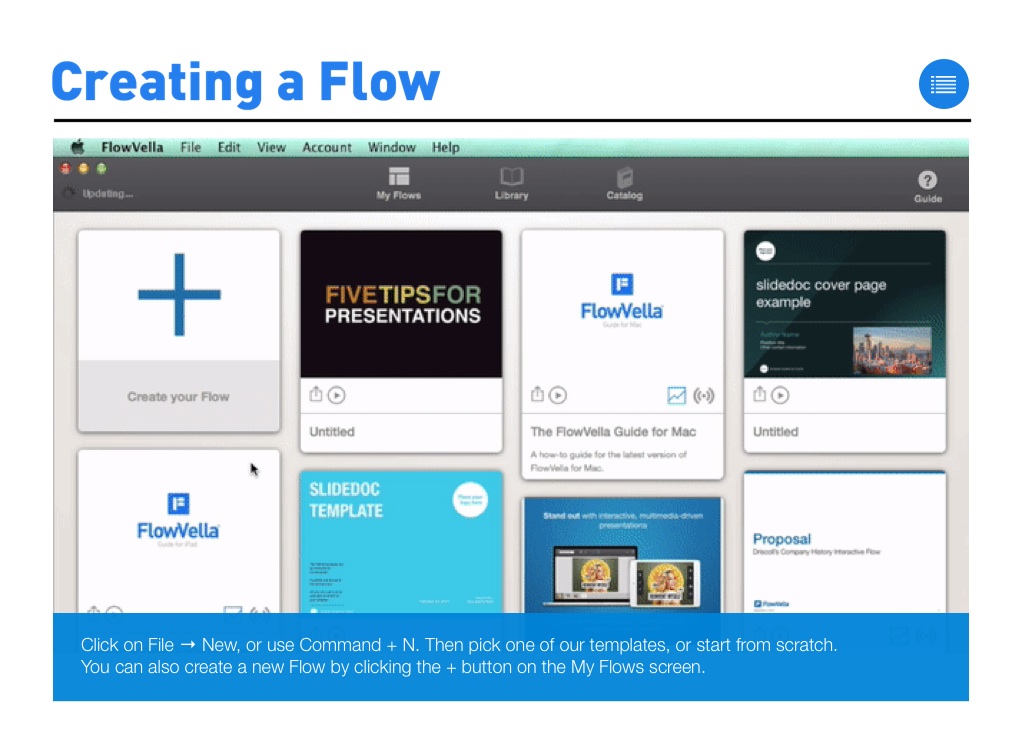
The FlowVella Guide for Mac
By FlowVella
A how-to guide for the latest version of FlowVella for Mac.