Loading Flow

Downloading Image /
Downloading Image /
Downloading Image /
Downloading Image /
Downloading Image /
Downloading Image /
Downloading Image /
Downloading Image /
Downloading Image /
Downloading Image /
Downloading Image /
Downloading Image /
Downloading Image /
Downloading Image /
Downloading Image /
Downloading Image /
Downloading Image /
Downloading Image /

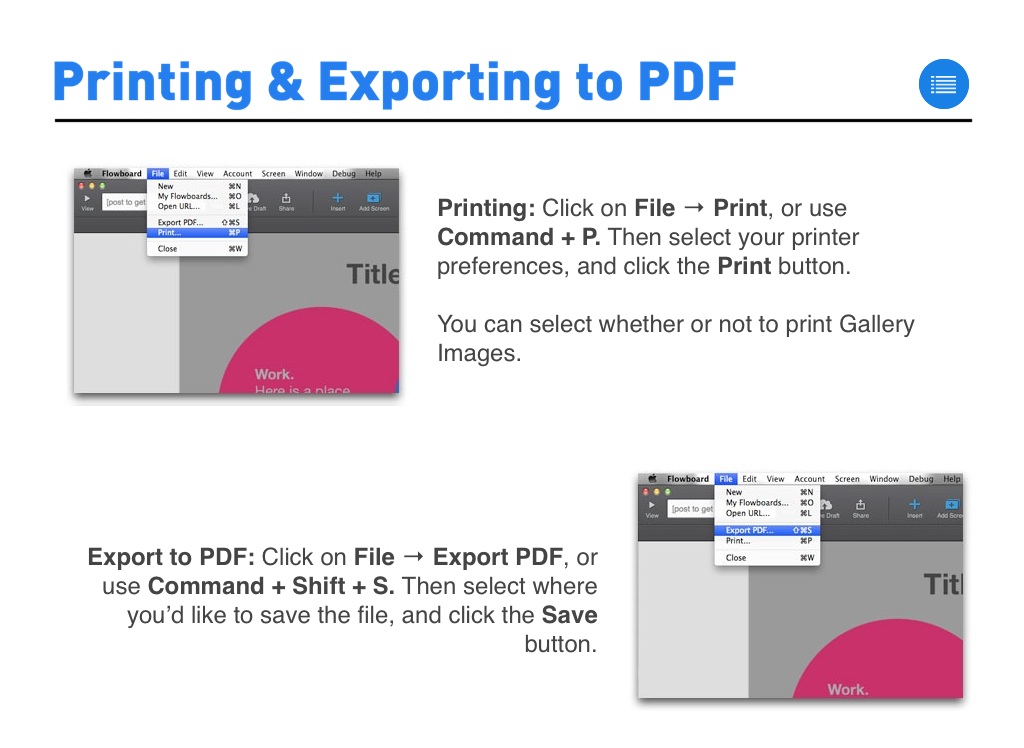
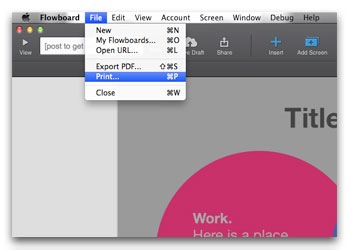
Printing: Click on File → Print, or use Command + P. Then select your printer preferences, and click the Print button.
You can select whether or not to print Gallery Images.
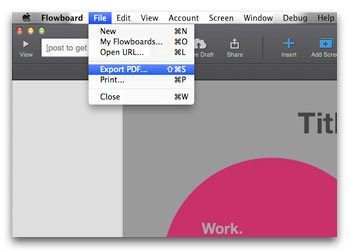
Export to PDF: Click on File → Export PDF, or use Command + Shift + S. Then select where you’d like to save the file, and click the Save button.

Downloading Image /
Downloading Image /



The FlowVella Guide for Mac
By FlowVella
A how-to guide for the latest version of FlowVella for Mac.