




Loading Flow

Downloading Image /
Downloading Image /
Downloading Image /
Downloading Image /
Downloading Image /
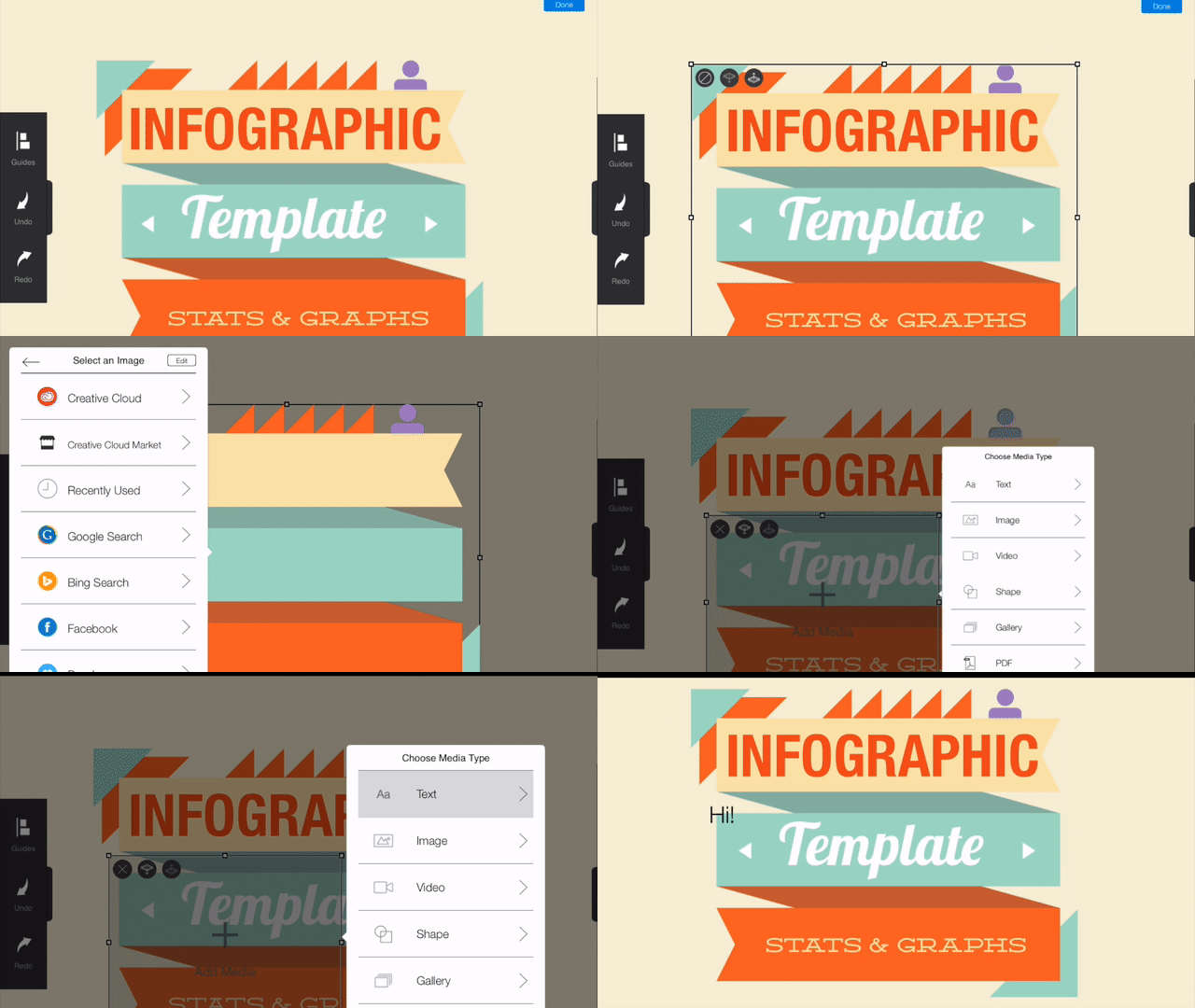

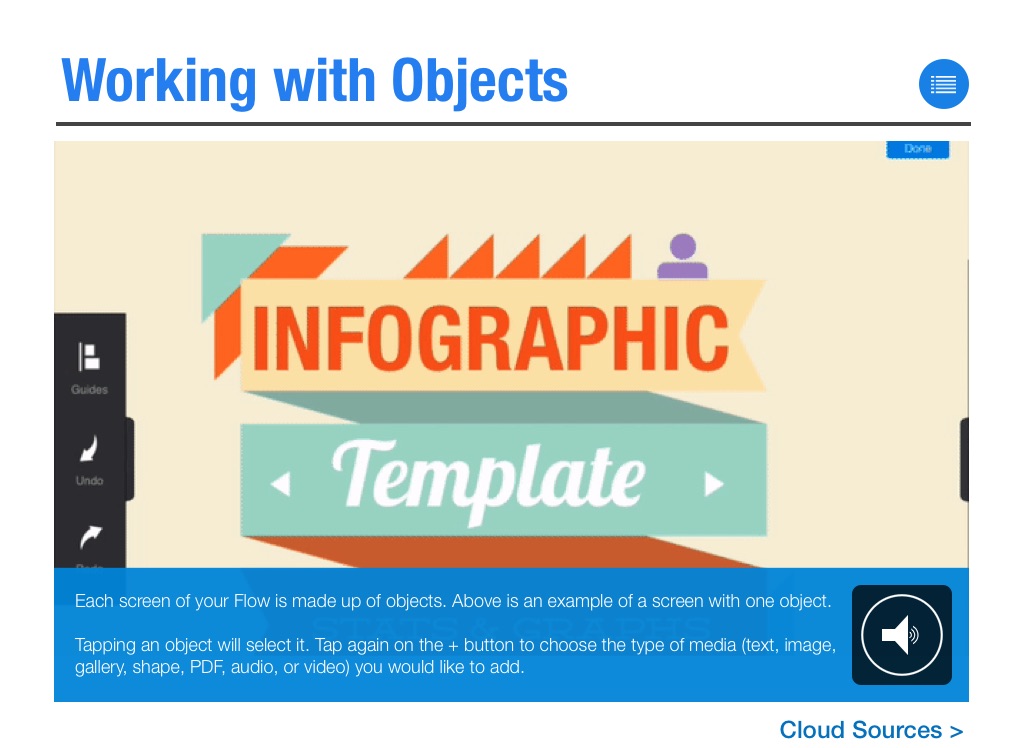
Each screen of your Flow is made up of objects. Above is an example of a screen with one object.
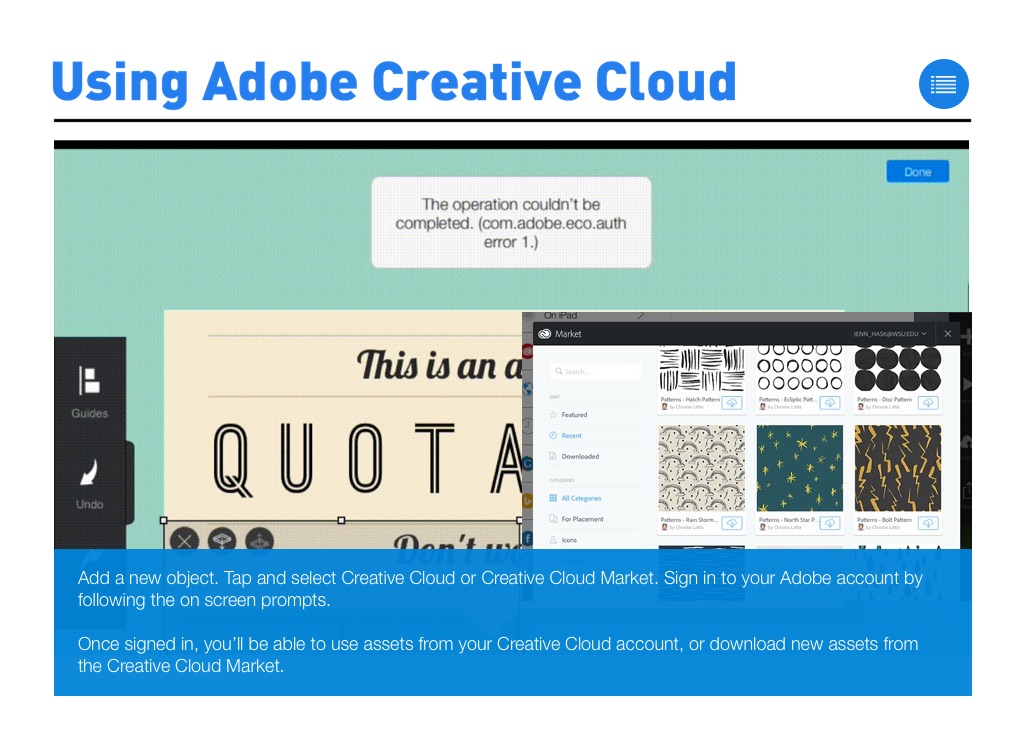
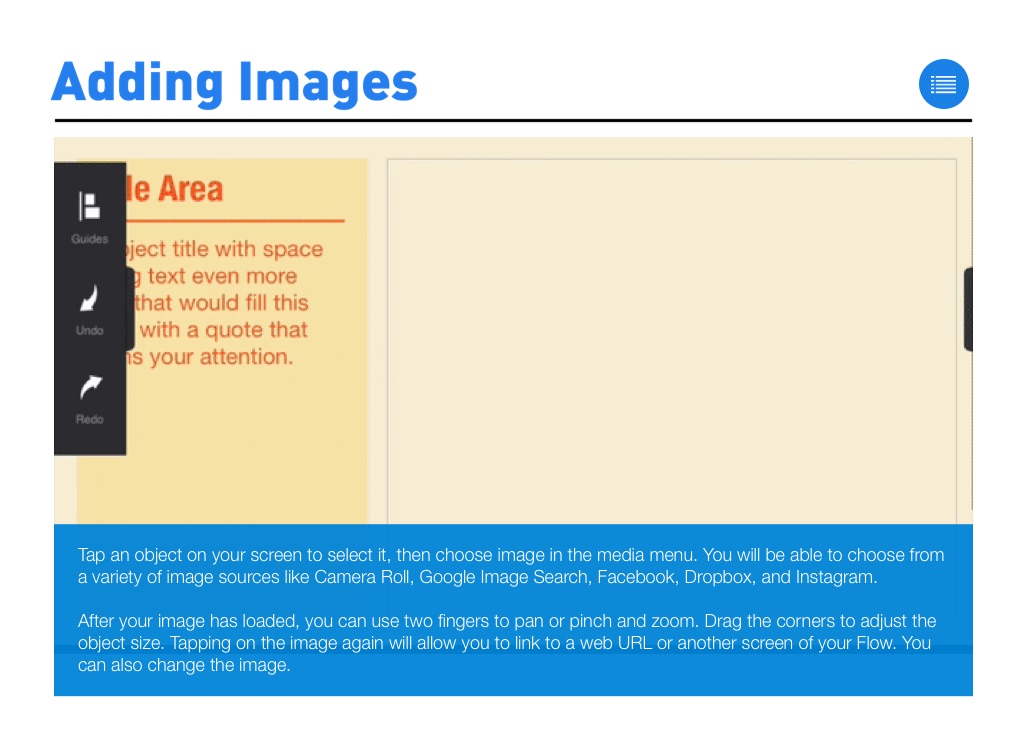
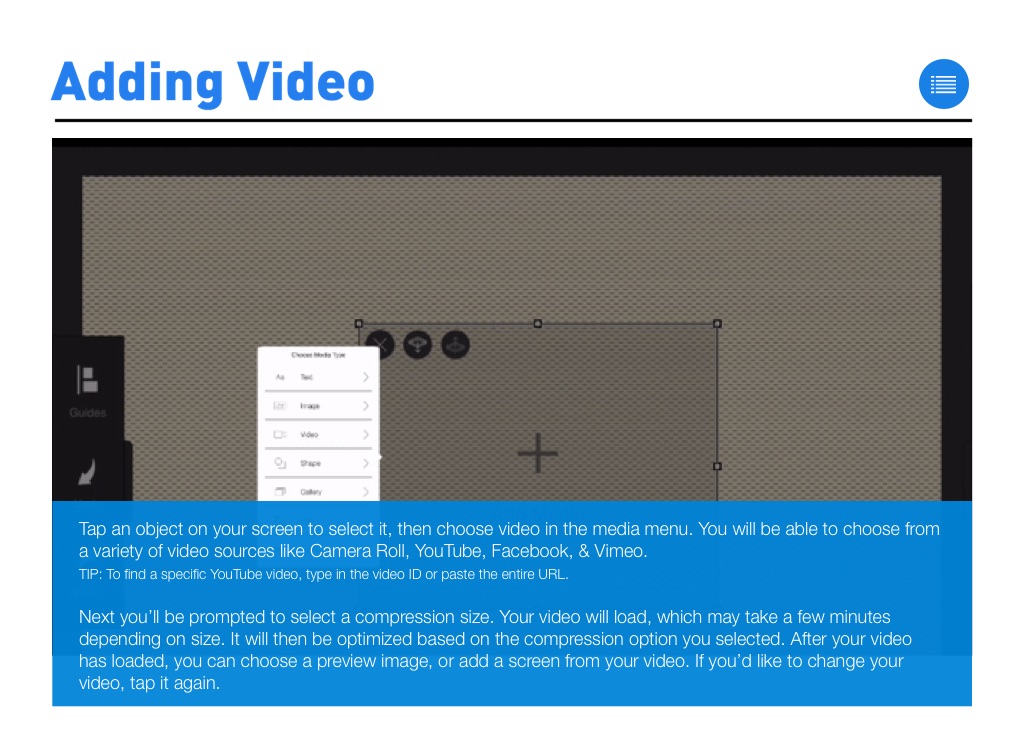
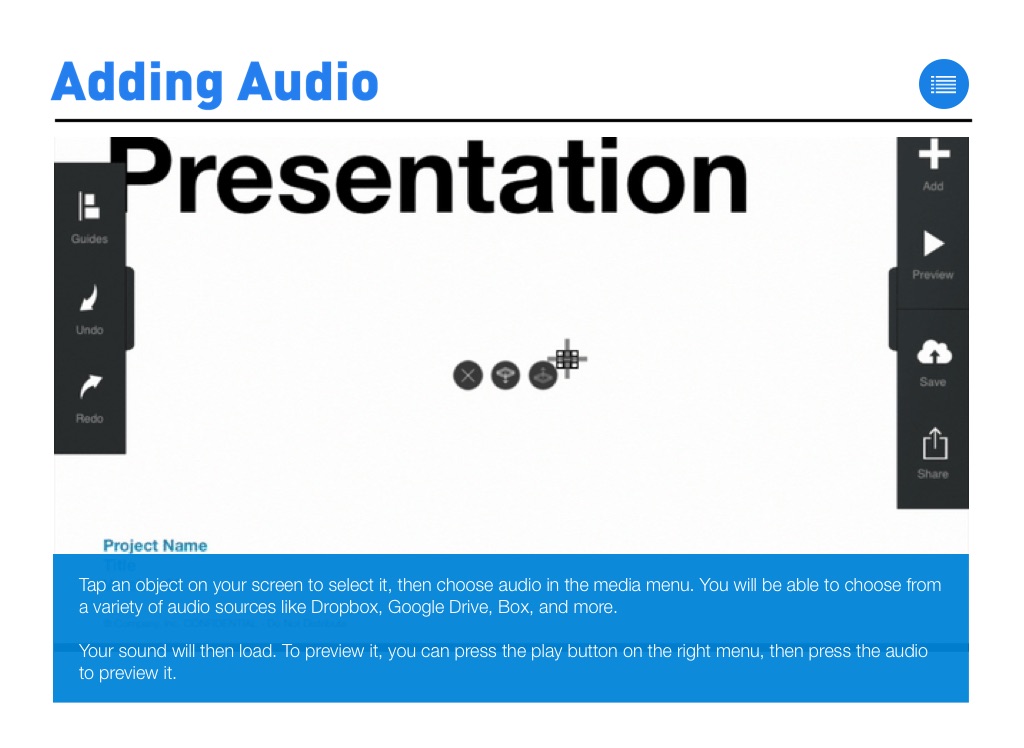
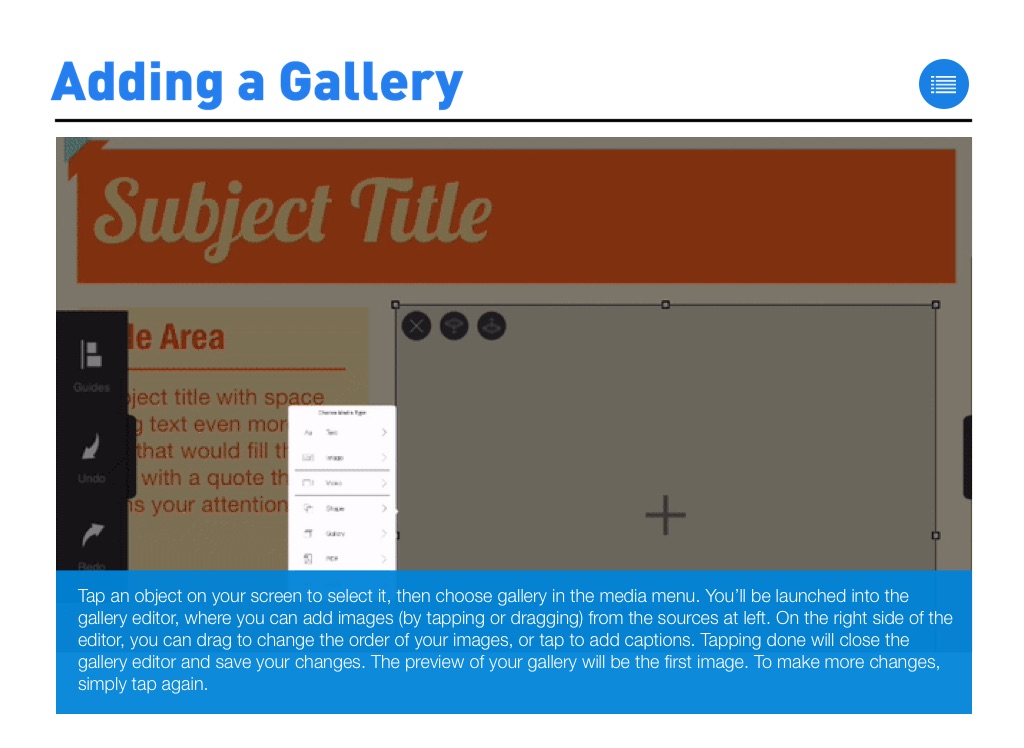
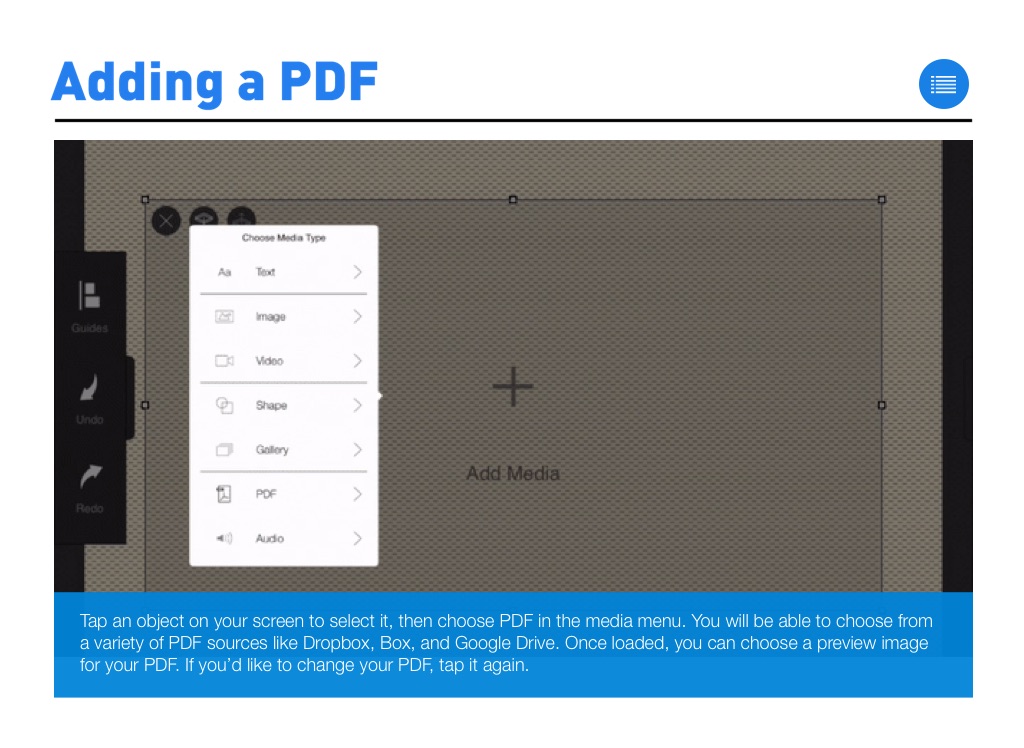
Tapping an object will select it. Tap again on the + button to choose the type of media (text, image, gallery, shape, PDF, audio, or video) you would like to add.
Working with Objects

Downloading Image /
Downloading Image /
Downloading Image /
Downloading Image /
Downloading Image /
Downloading Image /
Downloading Image /
Downloading Image /
Downloading Image /
Downloading Image /
Downloading Image /
Downloading Image /
Downloading Image /
Downloading Image /
Downloading Image /
Downloading Image /
Downloading Image /
Downloading Image /
Downloading Image /
Downloading Image /
Downloading Image /
Downloading Image /